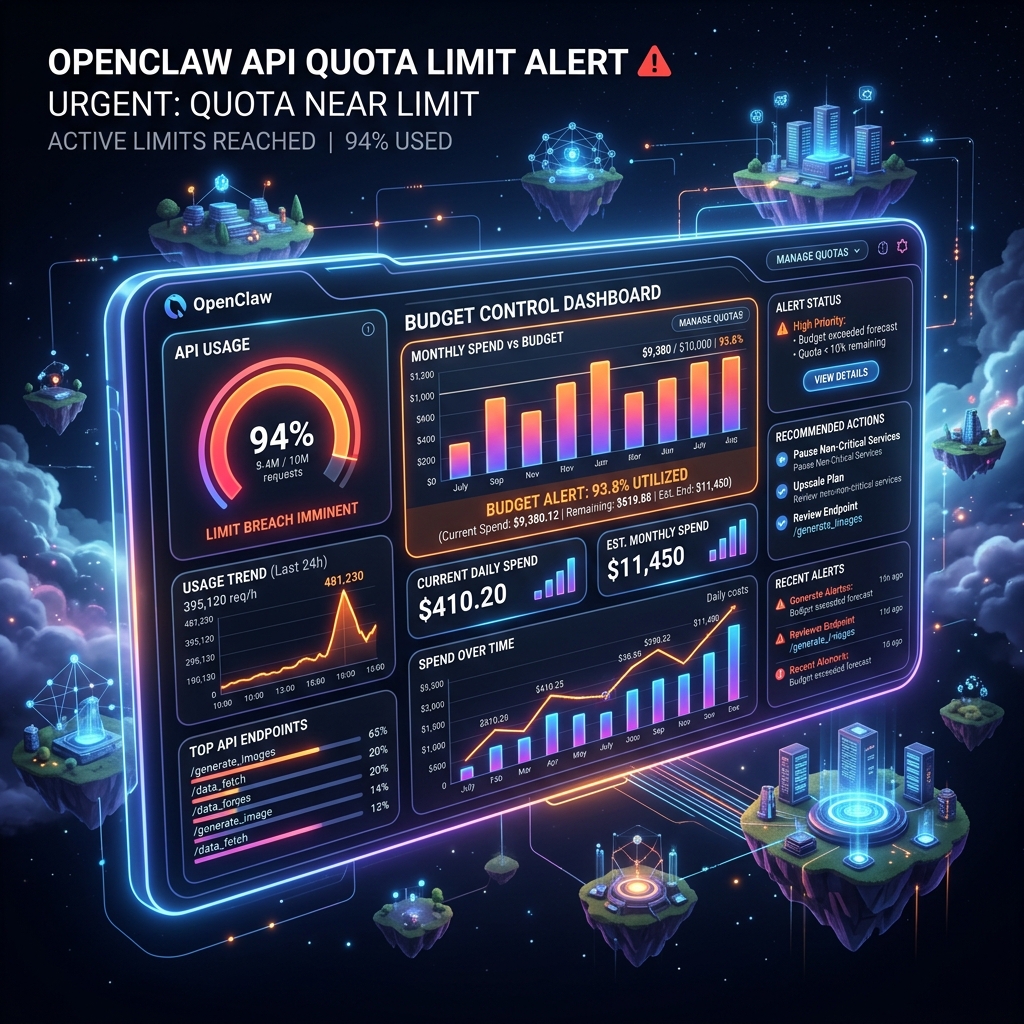
2026 OpenClaw Claude Quota Limit Guide: Anthropic API Migration & Budget Governance via Mac Rental
In April 2026, as Claude Pro drastically tightened request thresholds for automated tools, many individual developers and self-hosted users suddenly found their OpenClaw instances halted with "API Quota Reached" errors. To bypass this throttling, binding a credit card and switching to the pay-as-you-go Anthropic API is imperative. However, AI Agents often "run away" due to infinite logic loops or recursive web scraping, racking up thousands of dollars in API bills overnight. This article breaks down how to enforce hard budget limits via multi-level circuit breakers in openclaw.json, and introduces best practices for risk-free, isolated stress testing using daily rented Macs.
Table of Contents
- 01. The Crisis: Why Are OpenClaw Users Hitting Claude Quota Limits in April 2026?
- 02. Core Challenge: Preventing Runaway API Bills After Binding a Credit Card
- 03. Building Defenses: Configuring Hard Budget Breakers in openclaw.json
- 04. Risk Isolation: Why Stress Testing on a Rented Mac is Highly Recommended
- 05. Implementation: A 5-Step Verification Loop from Node Provisioning to Breaker Activation
- 06. Conclusion: Regaining AI Automation Certainty Through Budget Floors and Compute Isolation
01. The Crisis: Why Are OpenClaw Users Hitting Claude Quota Limits in April 2026?
Since the widespread adoption of OpenClaw in Q1 2026, many developers have relied on unofficial Web bridge plugins or basic Claude Pro personal accounts for automation. However, in April, Anthropic significantly tightened its Behavioral Fingerprinting strategies for automated endpoints. Once OpenClaw initiates rapid, consecutive searches or terminal command validations exceeding thresholds, the account is instantly subjected to Dynamic Throttling, causing the OpenClaw console to throw endless 429 Too Many Requests or Quota Reached errors.
The only way out is to abandon the consumer-facing subscription channel, head directly to the Anthropic Console, bind a credit card, generate an official pay-as-you-go API Key, and configure it in OpenClaw. This solves the throttling issue but opens another terrifying "Pandora's box": billing out of control.
02. Core Challenge: Preventing Runaway API Bills After Binding a Credit Card
Compared to the slow interaction of humans in a chat window, an Agent equipped with Bash execution privileges and web search capabilities consumes tokens at a terrifying speed. The following three classic scenarios often cause users' bills to "explode" overnight:
- Terminal Infinite Loops: When OpenClaw executes a failing command, it may attempt self-repair. If the repair script continually generates similar but not identical errors, the Agent will feed tens of thousands of lines of error logs back into the LLM's context window dozens of times per minute.
- Recursive Scrape Holes: When using
tools.web.search, if the target website returns a highly complex dynamic DOM tree or an error page with multiple redirects, the Agent might fall into an endless cycle of pagination and element parsing. - MCP Plugin State Drift: Certain third-party Model Context Protocol plugins harbor unhandled retry logic, creating a silent, high-frequency heartbeat of requests between the gateway and the model.
To combat this, we cannot simply rely on the cloud provider's "budget exceeded email alerts." In the few minutes it takes for that email to be sent, the Agent may have already consumed hundreds of dollars. We must establish an absolute physical hard-cutoff mechanism locally within OpenClaw.
03. Building Defenses: Configuring Hard Budget Breakers in openclaw.json
The OpenClaw v2026.4 engine introduced strict budget governance parameters. You need to immediately edit ~/.openclaw/config/openclaw.json and add the following billing_guard and rate_limits nodes:
{
  "api_provider": "anthropic",
  "billing_guard": {
    "enabled": true,
    "daily_cap_usd": 5.00,
    "session_cap_usd": 1.50,
    "action_on_breach": "hard_terminate"
  },
  "rate_limits": {
    "max_requests_per_minute": 15,
    "max_retries_on_error": 3
  }
}
Key Field Breakdown:
- daily_cap_usd: The locally tracked maximum daily spend (in USD). When this threshold is reached, all requests to that Provider are blocked outright at the gateway level.
- session_cap_usd: The expenditure limit for a single Session. This precisely targets the infinite loop problem; even if the total daily budget is $20, a single malfunctioning task won't drain the entire quota.
- max_retries_on_error: Limits the maximum number of consecutive retries the Agent can perform when encountering the same type of error. After 3 attempts, it throws an exception to the user and pauses, rather than continuing to retry blindly.
04. Risk Isolation: Why Stress Testing on a Rented Mac is Highly Recommended
After writing the breaker mechanism into your configuration file, would you dare let an Agent run a complex automated task directly on your main workstation just to verify it works? Most senior engineers wouldn't, for two reasons:
First, Main Machine Pollution Risk. To induce a "crazy state" in the Agent to test the breaker, you usually need to feed it a buggy project or have it execute error-prone commands. During this process, a runaway Agent is highly likely to accidentally delete important dependencies, rewrite global configurations, or fill up your disk on your main machine.
Second, Background Zombie Processes. If the gateway crashes during testing, invisible Node or Python daemon processes may remain. These could carry your actual API Key and silently continue initiating requests in the background.
The optimal solution here is to leverage a "Daily Mac Rental" strategy:
| Testing Dimension | Local Dev Machine Testing | Isolated Testing on Rented Mac |
|---|---|---|
| Business Pollution Risk | Extremely high. A runaway Agent could completely destroy your ~/.zshrc and project dependencies. |
Zero. Release the node directly after testing; all traces and potential zombie processes are destroyed with it. |
| Key Security & Env Restoration | Requires manual cleanup of environment variables; difficult to confirm if background retry tasks are completely killed. | Assign a temporary read-only Token; even if leaked, it's confined to the sandbox, and the instance is automatically erased at the end of the rental. |
| Comprehensive Cost Evaluation | Reinstalling the system or troubleshooting could consume days of labor costs. | You only pay a very low rental fee for 1-3 days (usually the price of a coffee) to gain an absolutely secure physical isolation barrier. |
05. Implementation: A 5-Step Verification Loop from Node Provisioning to Breaker Activation
To ensure your Anthropic pay-as-you-go account never suffers a massive bill shock, follow this complete testing loop:
- Step 1: Provision Cloud Mac Sandbox (0.5 hours). Quickly request a daily-billed macOS node via MacDate. Install OpenClaw on this node and configure an independent API Key specifically for testing, which has a strict maximum daily limit set in the Anthropic Console.
- Step 2: Implement Budget Breaker (0.1 hours). Write the
billing_guardconfiguration mentioned earlier into the cloud node'sopenclaw.json. For example, set thesession_cap_usdextremely low, like $0.50, for quick triggering. - Step 3: Trigger Controlled Runaway (1 hour). Send OpenClaw a command destined to fall into an infinite loop. For example: "Write a script that continuously pings a non-existent local port, and keep modifying the code based on the error messages until the port responds." Then, step away from the keyboard.
- Step 4: Observe Breaker Behavior (0.5 hours). Monitor the cloud Mac's terminal logs and the Anthropic dashboard. The expected result: when the accumulated spend reaches the preset estimated USD limit, OpenClaw will actively terminate the conversation and output in red
[BUDGET GUARD] Session cap of $0.50 exceeded. Terminating...in the console. Background API calls should drop to absolute zero. - Step 5: Sync Config and Destroy Env (0.5 hours). Once you've verified the breaker reliably blocks requests, copy the validated
openclaw.jsonback to your main machine. Subsequently, click "Release Instance" in the management backend to completely destroy this "martyr" cloud Mac and halt billing.
06. Conclusion: Regaining AI Automation Certainty Through Budget Floors and Compute Isolation
In 2026, as AI-assisted development advances rapidly, quota limits are essentially restrictions imposed by platform providers for self-preservation. When we take the step towards pure pay-as-you-go APIs, we are actually taking back control and responsibility for our infrastructure.
Rather than nervously refreshing the billing page every day after binding a credit card, it's better to put an insurmountable budget collar on your AI assistant through a hard floor in openclaw.json. Instead of cautiously testing the Agent's limits in complex business code, it's better to build a physical sandbox using a standalone rented Mac node—an environment you can abuse without regret. Low-cost cloud compute is the cheapest and most robust insurance we have when facing powerful and unpredictable large language models.